
Released in version: 5.47
You can hide the Fee calculations tab in a client's properties by setting a system property.
To hide the fee calculations tab
- Click Settings > Lists > Application configuration > System properties.
- Locate and double-click the Clients tab visibility- Fee calculations system property.
- In Value, enter Disabled.
 Setting the Value to Disabled will hide the Fee calculations tab from the client's properties. Setting the Value to Enabled will show the tab.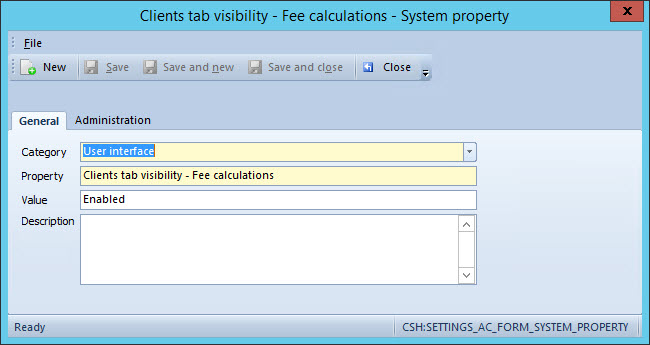
- Click Save and close.
- Close and re-start Primacy Workplace to display changes.
Comments
0 comments
Please sign in to leave a comment.